September 26, 2025
Deepgram Saga - Live on Smithery: One-Click MCP Server Setup
Section titled “Deepgram Saga - Live on Smithery: One-Click MCP Server Setup”Add Any MCP Server from Smithery in Seconds
Section titled “Add Any MCP Server from Smithery in Seconds”No more JSON config headaches. Saga now integrates directly with the Smithery MCP directory, letting you add any MCP server with just a few clicks.
Browse the complete Smithery directory and when you find an MCP server you want to use, simply click "Deepgram Saga" > "One-Click Install" and it's instantly configured and ready to go. No need to hunt down JSON configs, copy-paste code, or wrestle with manual setup.
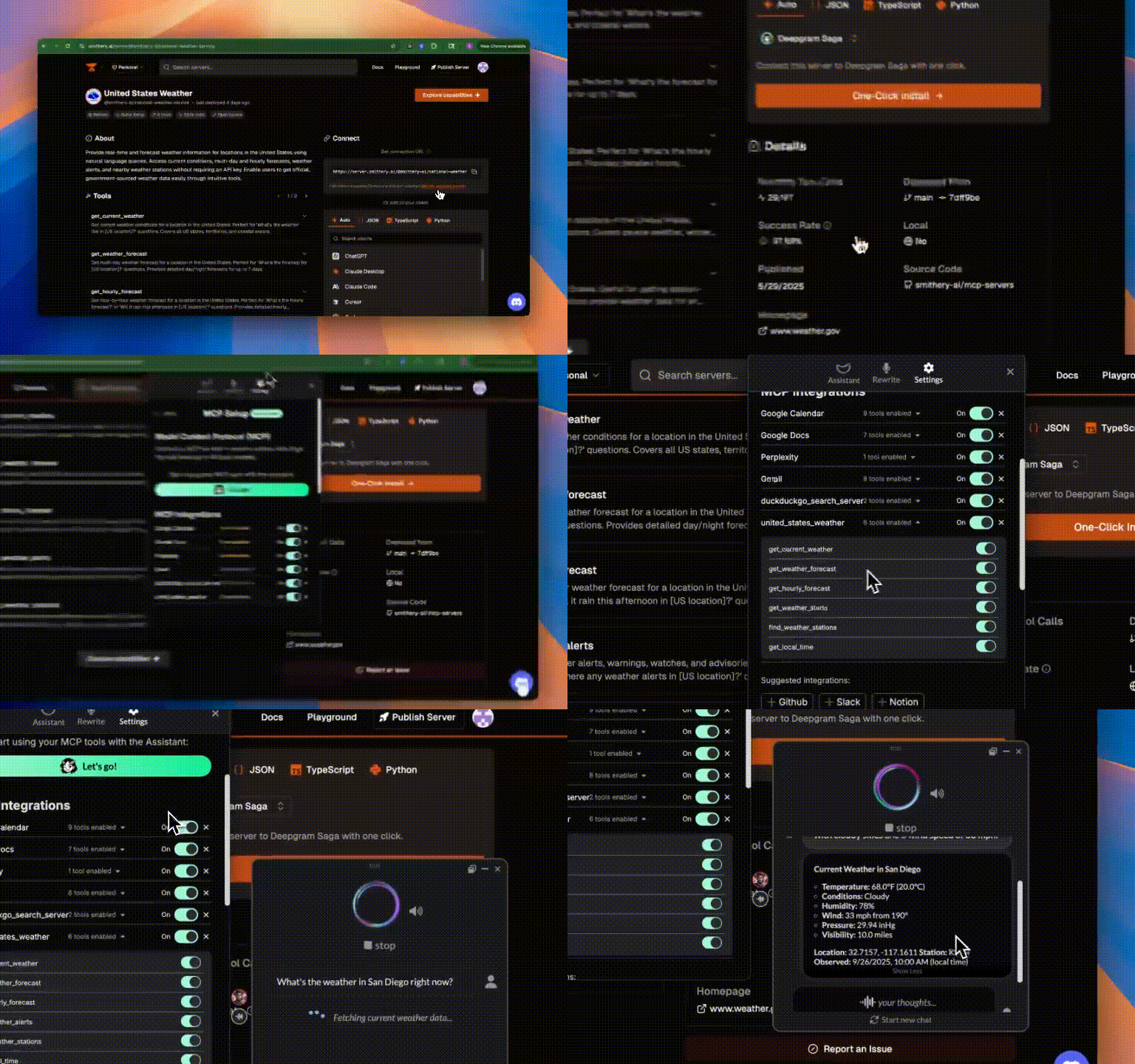
Discover new ways to enhance your workflow with the vast collection of community-built MCP servers, all accessible with unprecedented ease.
Learn more about Deepgram Saga here!